Best Offline Music Player for iPhone in 2026: An Honest Comparison
We compare the best offline music players for iPhone in 2026 — Prismatic Music, Doppler, Flacbox, VOX, Melodista, and VLC — on formats, import, ads, and price.
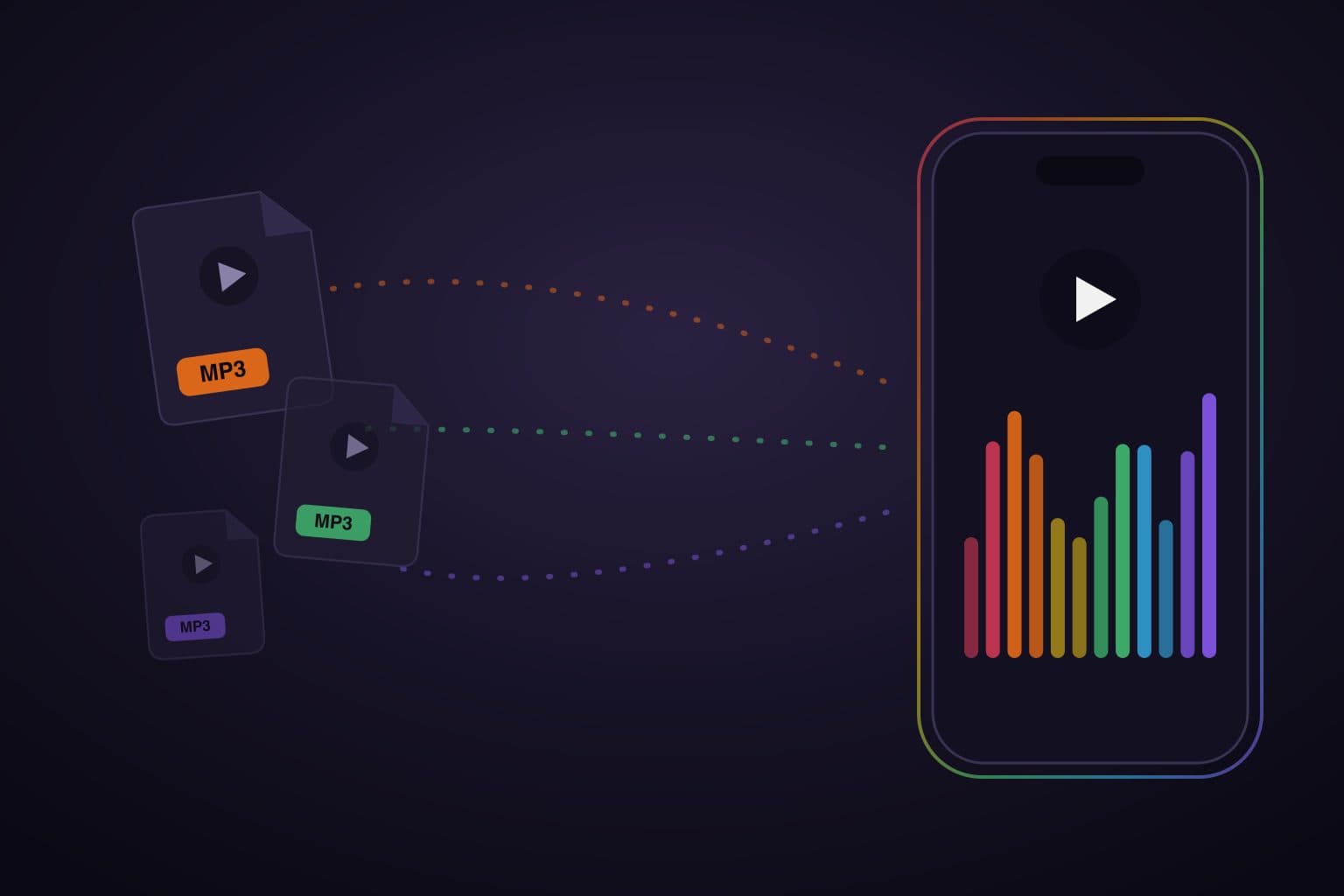
The best offline music player for iPhone depends on where your files live. Prismatic Music is our recommendation if you want free local playback, MP3, AAC, FLAC, ALAC, WAV, and AIFF support, import of DRM-free songs already in your Apple Music library, and real-time, beat-reactive visualizers, with no account required. If you need direct NAS or cloud streaming, Flacbox may fit better; for a completely free, ad-free audio and video player, consider VLC.
Below we compare it against the apps people actually cross-shop — Doppler, Flacbox, VOX, Melodista, and VLC — plus the built-in Files-and-sync route, on the things that matter when your music lives on your phone. We make Prismatic Music; the recommendations reflect that perspective, with first-party sources so you can check the tradeoffs.
Get Prismatic Music free
For iPhone and iPad on iOS/iPadOS 18 or later. Import music you own, then listen offline. No account required. Free listening includes visual ads, with no inserted audio ads.
For a lossless collection, our FLAC player for iPhone guide covers importing your files, choosing a format, and listening with headphones. Compare Free and Prismatic Pro for current US prices and feature requirements.
First: what "offline" actually means
"Offline music" queries mix up two very different families of app:
- Streaming apps with offline downloads — a service lets subscribers save catalog tracks inside its app. Those downloads remain subject to the service's subscription and licensing rules.
- Local-file players — apps that play files you own: ripped CDs, purchased downloads, DJ sets, or field recordings. Once copied to the device, the audio can play without a network connection. The player itself may be free, paid, or offer optional purchases.
Cloud and server players can do both: stream your files while connected and download selected music for offline use. Seeing a track in a cloud library is not the same as having its audio stored on your phone. Spotify's offline guidance also distinguishes Premium music downloads from podcasts available to download on its free tier.
Check that you have the actual audio files
Apple Music and Spotify subscription downloads cannot be copied into these players as owned music. Prismatic Music's Apple Music library import means accessible, unprotected songs you own, not the subscription catalog. Keep a backup of your originals, and finish importing before you leave the network.
How we compared them
Facts checked September 20, 2026. We checked US App Store listings and developer documentation for import routes, formats, pricing, device support, and offline behavior. This is a documentation-based comparison, not a hands-on reliability or sound-quality benchmark. Store screenshots are available at each linked listing; we have not independently reproduced every competitor screen or purchase flow.
The versions listed at verification were Prismatic Music 2.0.0, Doppler 3.2, Flacbox 7.6, VOX 2.22, Melodista 7.8, and VLC 3.7.3. Prices below are US dollars in the US storefront, checked on that date; local prices and offers can differ. Where a listing shows conflicting plans, we flag it instead of promising a checkout price.
Start with three questions: can it read your files, can it get them onto the device, and what does the feature you need cost? Check the minimum OS too: a player you cannot install is not a useful recommendation.
Comparison: Prismatic Music vs Doppler vs Flacbox vs VOX vs Melodista vs VLC
| Player | Best fit | iPhone / iPad requirements | Cost and main limit |
|---|---|---|---|
| Prismatic Music | Owned library, reactive visuals, free EQ presets | iOS/iPadOS 18+ | Free with visual ads; optional Prismatic Pro |
| Doppler | A local library with tag and album tools | iPhone, iOS 26+ | Seven-day trial; Doppler 3 unlock listed at $9.00 |
| Flacbox | Cloud drives, NAS and server streaming plus offline downloads | iOS/iPadOS 15+ | Free with ads and limits; $2.99/month, $19.99/year or $69.99 lifetime |
| VOX | A personal lossless cloud locker | iOS/iPadOS 13+ | Free app; Premium/cloud purchases; check the selected plan |
| Melodista | Files/cloud imports and folder playlists | iOS/iPadOS 15+ | Free app with Pro purchases; conflicting monthly prices in listing |
| VLC | Audio and video files in one free app | iOS/iPadOS 9+ | Free and open source; no ads |
These are the listings' phone/tablet requirements, not a guarantee that every feature works on every listed device. Prismatic's Conductor and AI playlists have additional requirements below. For an older device, VLC's lower listed OS floor makes it worth trying first. For an iPad, Doppler's current iPhone-only listing is a reason to choose another option.
Prismatic Music: the player that makes your library worth looking at
Free with optional Prismatic Pro · iPhone & iPad · prismatic.fm/music
Prismatic Music is built on a simple bet: if you still keep your own music files in 2026, you're doing it because you care about your music — so the player should treat your library as something worth looking at, not a spreadsheet of filenames.
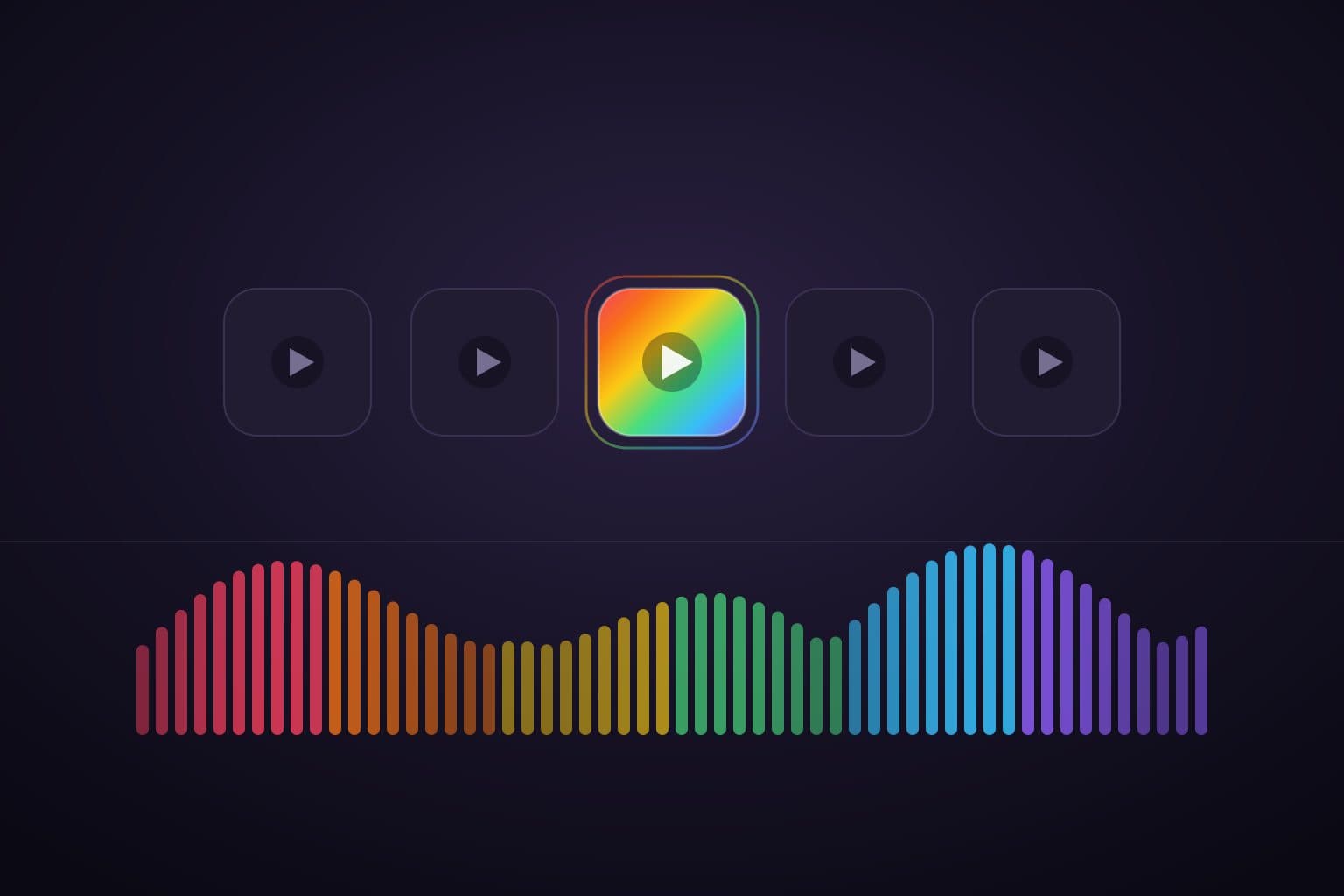
The headline feature is the visualizer engine: real-time, beat-reactive visuals rendered live from the song that's playing. The core player also includes playlists, library search, local lyrics, and free EQ presets. Free listening has visual ads, without inserted audio ads. Prismatic Pro removes ads and adds the full scene library and custom EQ tuning; compare the plans and current prices.
Import owned, unprotected songs from your Apple Music library, Files, a computer browser over Wi-Fi, or another Prismatic device. Server import copies originals from Navidrome, Jellyfin, Emby and compatible OpenSubsonic servers into the device library; it is not a server-streaming player. Start with the computer transfer steps or music-server import guide. Supported formats include MP3, AAC, FLAC, ALAC, WAV, AIFF, Opus and OGG.
Honest limitations: you need storage for imported music. Direct SMB/WebDAV/Plex browsing is not a Prismatic import route; use Files for accessible shares, or choose Flacbox when direct server streaming is essential. Conductor requires Prismatic Pro and iOS/iPadOS 27+ with supported songs/scenes. AI playlists additionally require Apple Intelligence readiness on a compatible device; some processing needs a connection. The base player runs on iOS/iPadOS 18+. See the full device and plan requirements.
Want more bass or clearer vocals? Our iPhone equalizer guide walks you through choosing a free preset with screenshots.
Doppler: a paid local library
Trial, then paid unlock · iPhone · separate Mac app
Doppler is worth considering for a focused local library. The developer documents MP3, AAC, FLAC, ALAC and WAV playback, metadata editing, artwork search and album organization. Transfers include Wi-Fi, USB and AirDrop; the App Store listing also names Dropbox and Google Drive. See Doppler's features and US listing.
The developer offers a seven-day iPhone trial; the US listing shows a $9.00 Doppler 3 unlock. Current iPhone installation requires iOS 26+, and this is not an iPad listing. Doppler explicitly says it cannot import songs or playlists from Apple Music, so plan to supply files separately. Try the transfer and library organization with your own albums before purchasing.
Flacbox: the format-and-cloud Swiss Army knife
Free with ads and limits · iPhone & iPad
Choose Flacbox when your collection lives on a NAS or across cloud accounts. It supports direct SMB/WebDAV connections, cloud drives, and servers including Plex, Navidrome and Jellyfin. You can stream remotely or save music for offline listening. Its listed formats include FLAC, ALAC, DSD, OGG and Opus, alongside EQ, tag editing and CarPlay. Version 7.6 also advertises full-screen reactive visualizers — Prismatic is not the only visualizer player here. Flacbox listing and release notes.
The developer's plan comparison lists ads and limits for free use, including ten playlists, three cloud services, one offline folder and one offline album. Premium is $2.99/month, $19.99/year or $69.99 lifetime in the US. Check those limits against how you organize music; downloading a few tracks is different from keeping multiple folders offline. Cloud/server access needs that source's credentials and a connection until downloads finish.
VOX: lossless with a cloud attached
Free app with Premium/cloud purchases · iPhone & iPad
VOX is a candidate if you want a personal cloud locker alongside local playback. Its listing describes FLAC/ALAC support, iTunes-library access, AirDrop, file sharing, a parametric EQ and CarPlay. Premium's cloud stores original-quality files and makes them available across devices. Version 2.20 added Dropbox support. VOX listing and release history.
The US purchase list contains several Premium and cloud products, including $4.99 monthly and $49.99 yearly entries plus a separate Premium + Cloud entry. We have not verified which bundle a new customer is offered, so do not assume the lowest listed price includes everything. Check the in-app plan's storage, offline access and audio-feature terms before subscribing. Download the music you need before going offline; a cloud library alone is not an offline copy.
Melodista: the simple free standby
Free app with Pro purchases · iPhone & iPad
Melodista fits a straightforward folder-playlist workflow: its developer lists Files/cloud import, file management, song-name and artwork editing, and a sleep timer. The listing describes non-interruptive ads, but we have not tested ad placement or frequency. It does not give a sufficiently precise codec list to promise FLAC/ALAC support here; try representative files first. Melodista's US listing.
There is a pricing inconsistency: the description says $1.49/month, while the purchase list shows $2.49 for one month and an $8.99 Pro unlock without a duration in its name. We therefore do not describe it as a cheap lifetime purchase. Confirm the actual purchase screen and what it unlocks. The listed version is 7.8 and requires iOS/iPadOS 15+.
VLC: the plays-anything fallback
Free, open source · iPhone & iPad
VLC is a sensible first choice if you want one free player for both audio and video. Its iOS listing supports file transfer from cloud services and Wi-Fi sharing, plus network playback from sources such as SMB and SFTP. VideoLAN describes VLC as ad-free. The iOS release history includes CarPlay fixes.
The tradeoff is the workflow: VLC covers general media, while the dedicated music apps above emphasize albums, music metadata or visual scenes. That does not disqualify it as a daily player. Try navigating one of your albums, building a queue, and resuming playback before deciding you need a paid alternative. Files streamed from a server still need to be saved locally for a trip without internet.
What about the built-in route: Files and Apple Music sync?
For a few songs, previewing downloaded audio in Files may be enough; it saves you choosing another library app. If you already maintain an Apple Music library on a computer, syncing your own supported files to the iPhone's Music app is another option. A streaming subscription is not required just to sync owned music.
FLAC collectors should choose a player that lists FLAC support, or use ALAC for Apple's Music workflow. You do not gain sound quality by converting an MP3 into a lossless file. Our Files-to-player guide explains how to turn individual audio files into a searchable Prismatic library; the FLAC guide covers format choices.
Which should you pick?
- Owned music with reactive visuals and free EQ presets: Prismatic Music. Start free; review Pro for ad removal, more scenes and custom tuning.
- A paid local library on a current iPhone: Doppler, after trying your files during its trial.
- Direct cloud/NAS/server streaming and offline downloads: Flacbox, after checking free-tier limits.
- A personal lossless cloud locker: VOX, after checking the exact Premium/cloud bundle.
- Folder playlists from Files or cloud storage: Melodista, after testing your formats and confirming Pro terms.
- A completely free, ad-free audio and video player: VLC.
Before committing a whole collection, import one album, turn off Wi-Fi and cellular, and play several tracks. Check the queue, lock-screen controls, and whether the feature you need triggers a purchase. Keep originals backed up separately from the phone.
If the visualizers are what caught your eye, see Prismatic's visualizer features and how to turn one on. If you're deciding what "offline player" even means for you, start with the offline music player, explained.
Start with the music you already own
Free local playback on iPhone and iPad, iOS/iPadOS 18+. Import one unprotected album and try it offline. Optional Prismatic Pro adds more features and removes visual ads.
Quick answers
Frequently asked questions
- What is the best offline music player for iPhone?
- Choose by how you keep your music. Prismatic Music fits listeners who want free local playback, Apple Music library import for owned, unprotected songs, reactive visualizers and EQ presets. Doppler suits a paid local library; Flacbox suits cloud drives and NAS; VOX suits a paid cloud locker; VLC suits free audio and video playback. These apps do not unlock copy-protected subscription downloads.
- Can I use Spotify offline without Premium?
- Spotify's music downloads require Premium; free podcast downloads are a separate feature. Spotify downloads cannot be imported into Prismatic Music. To use a local player, bring audio files you own that are not copy-protected.
- What's the best free offline music player with no ads interrupting playback?
- VLC is free and ad-free. Prismatic Music's free tier includes visual ads but no inserted audio ads; Prismatic Pro removes the visual ads. Choose VLC if having no ads at all is your priority, or try Prismatic Music for a music library with reactive visuals and EQ presets.
- Do offline music players work in Airplane Mode?
- Yes, once the actual audio is saved on the device. A cloud library entry or album cover does not prove that a song is downloaded. Finish importing, switch off Wi-Fi and cellular, and play a few complete tracks before travelling. Online imports and cloud features still need a connection.
- Can an iPhone play FLAC files?
- Yes. Prismatic Music, Doppler, Flacbox and VOX list FLAC support. You do not have to convert FLAC to MP3 to use these players. For an Apple Music sync workflow, use a supported format such as ALAC instead.
- Which offline player can import my Apple Music library?
- Prismatic Music imports accessible, DRM-free songs you own from the device's Apple Music library. VOX also lists iTunes music-library access. Doppler explicitly excludes Apple Music song and playlist import. Apple Music subscription downloads are different: they cannot be copied into these apps as owned audio files.