Music Player With a Visualizer: The Apps That Still Do It in 2026
Real-time music visualizers didn't die with WinAmp and iTunes. Here are the music player and visualizer apps that render live visuals from your songs in 2026.
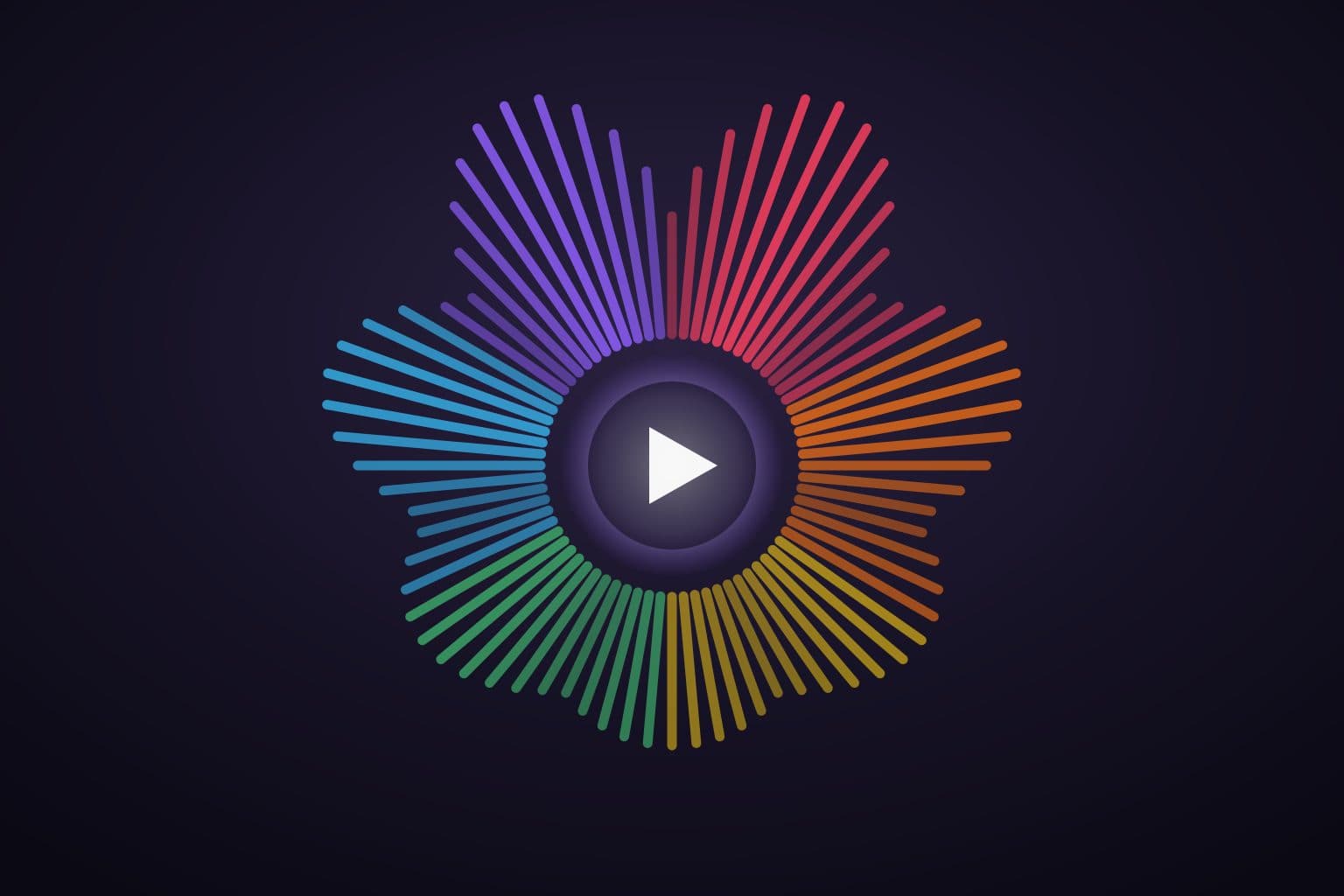
If you're searching for a music player with a visualizer, you probably don't want to make a video. You want what WinAmp and iTunes had: press play, and the screen performs the song — live, in sync, reacting to every beat. Most of what ranks for this query is video-export software for YouTube thumbnails. This post is about the other thing: apps where the visuals happen while you listen.
The short answer: Prismatic Music is the only current iPhone app that's both a full offline music player and built around real-time, beat-reactive visualizers. Dedicated visualizer tools (Vythm JR, STAELLA) do live visuals without being real players, and Plexamp decorates nicely if you run a Plex server. Here's the honest landscape.
Get Prismatic Music free
A full offline player with live, beat-reactive visualizers. Free on iPhone and iPad.
Two kinds of "visualizer app": listening vs video export
Search results blur two products:
- Visualizer video makers — editing tools that render your audio into an MP4 with animated bars, for posting online. Fine products; not players. If that's what you need, any video editor's template library has you covered.
- Real-time visualizers — software that analyzes audio as it plays and renders reactive graphics live. This is the WinAmp lineage, and it's what the rest of this post covers.
A short history: where did music visualizers go?
If you're old enough to have burned a CD, you remember: WinAmp's MilkDrop scene — thousands of community-written psychedelic presets — and the iTunes visualizer that turned every desk into a light show. Then streaming happened. Apple Music replaced iTunes without the visualizer; Spotify never had one; and DRM-locked streams meant third-party apps couldn't legally tap the audio to draw from it.
The scene never died, though — it retreated to where the audio is open. MilkDrop lives on through the open-source projectM engine (desktop, and inside players like foobar2000 and Android's Poweramp), VJ apps kept real-time rendering alive on phones, and a new generation of players is bringing visuals back to the music library itself. That's the corner we build in.
What makes a real visualizer real
Three things separate a visualizer from a screensaver:
- Frequency analysis (FFT) — the audio is split into frequency bands many times a second, so bass, mids, and highs each drive different elements.
- Beat detection — the app finds the pulse and lands visual hits on it, not near it.
- GPU rendering — the graphics are computed live (on iPhone, that means Metal), so the scene can respond instantly instead of playing a canned loop.
The test is simple: pause the song. A real visualizer visibly collapses; a fake one keeps looping.
The apps that actually do it in 2026
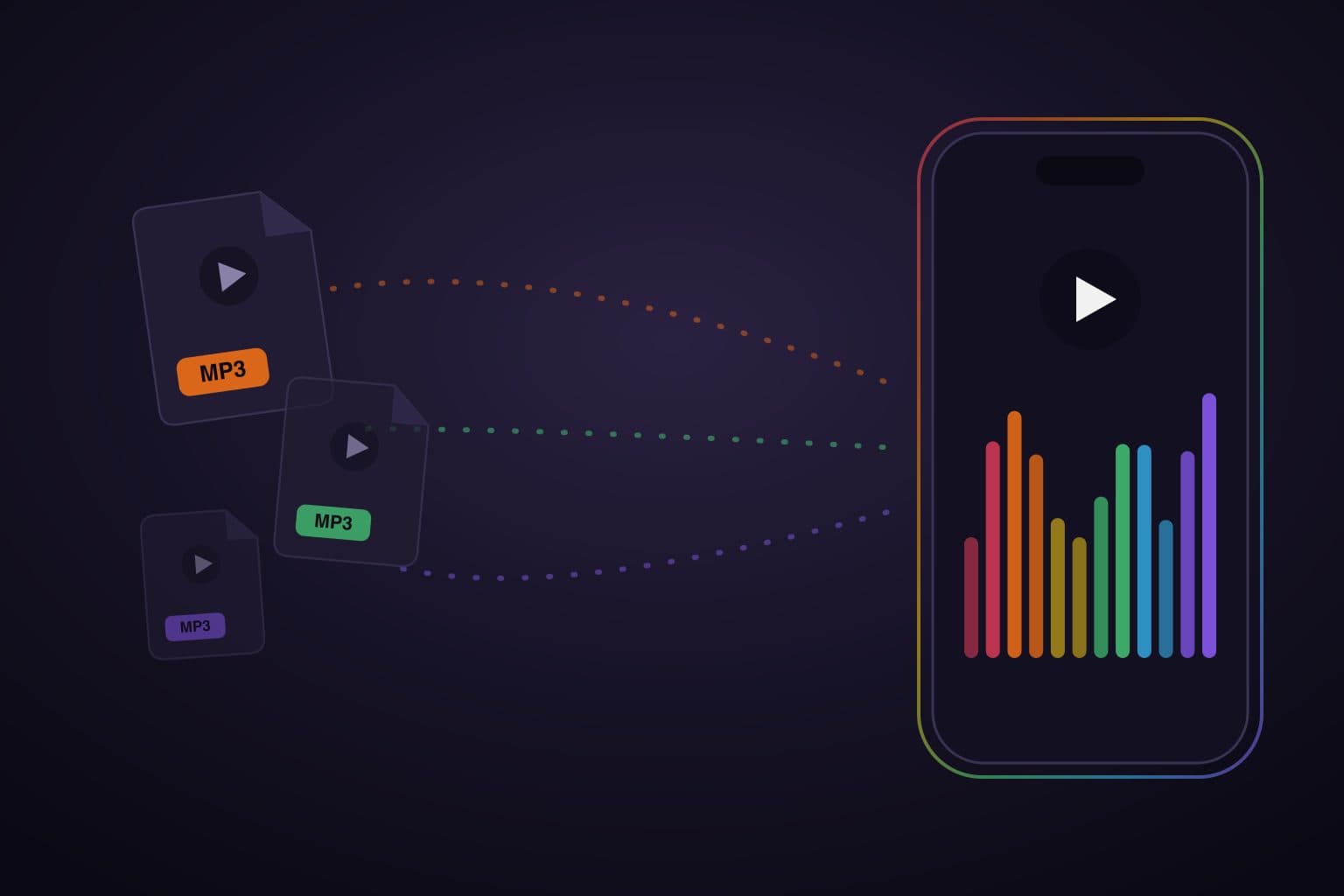
Prismatic Music — Free · iPhone & iPad. A full offline music player — Apple Music library and file import, FLAC/ALAC lossless, 10-band EQ, playlists, lyrics — where the visualizer engine is the headline, not a bonus screen. Scenes are Metal-rendered and beat-reactive, run over your own library, and play full-screen or behind the player. The core scene set is free; Pro unlocks the full collection. If you want one app that is both your player and your light show, this is the current answer — and honestly, on iPhone, the only one.
Vythm JR — Free · iPhone & Android. A dedicated visualizer/VJ app (a collaboration involving Dream Theater's Jordan Rudess) with several visual modes — including a MilkDrop mode — driven by your MP3/M4A files, your device library, or the microphone. Deep manual control, MIDI input, recording. The trade-off: it's a performance instrument, not a music player — no real library, playlists, or EQ. Great companion app for VJ-style tinkering.
STAELLA — Free + IAP · iPhone. A polished visual music player / VJ tool with themed visual packages, real-time audio reactivity, and MIDI support, aimed at performances and social clips. Same caveat as Vythm: you bring it audio; it isn't a library player you'd live in daily.
Plexamp — Free app, requires a Plex server · iPhone. The audiophile Plex client ships a dozen-plus genuinely attractive visualizers and animated UltraBlur backdrops. Two honest caveats: the visuals are polished decoration rather than the app's centerpiece, and the whole experience presumes you run a Plex media server and pay for a Plex Pass for key features. If you're already a Plex household, it's lovely.
The desktop/Android lineage — foobar2000 with a projectM component (Windows), and Poweramp's MilkDrop-style visualizers (Android) keep the classic preset scene alive, with the classic rough edges. Nothing from that lineage ships as a maintained iPhone player today.
Why most music players only decorate
Here's the thing we found surveying the offline-player market while building Prismatic Music: almost no full-featured music player ships a real visualizer. The quality players — Doppler, Flacbox, and the rest we compare in the best offline music players for iPhone — top out at album-art color tinting or, at best, a small spectrum meter. Reactive-looking, technically; an experience, no. The visual bar for "music player" has been a static artwork screen for fifteen years.
That's not because it's impossible — it's because visualizers are hard to do well (a real-time DSP-to-GPU pipeline is closer to a game engine than a media app) and easy to cut. It's the gap we decided to make the whole point.
Do visualizers drain your battery?
Some honesty for the practical-minded: yes, rendering live graphics costs more than a static screen — roughly light-gaming territory, and warm phones on long sessions are real. Three mitigations: modern Metal scenes are dramatically more efficient than the CPU-rendered visualizers of the WinAmp era; a good player only renders while the visuals are on screen (music with the screen off costs normal audio-only power); and you can always just… turn them off. Docked or plugged in — a party, a desk, a kitchen counter — is where full-screen visualizers naturally live.
The short version
- Player + visualizer in one app: Prismatic Music — free, offline, your own library, beat-reactive Metal scenes.
- VJ instrument to perform with: Vythm JR or STAELLA.
- Already run a Plex server: Plexamp's backdrops are the best decoration in the business.
- Desktop nostalgia: foobar2000 + projectM keeps MilkDrop alive.
Your music already has the energy. Get a player that shows it.
See your library play
Free on iPhone and iPad. Real-time visualizers rendered from whatever's playing.
Quick answers
Frequently asked questions
- Is there a music player with a real visualizer for iPhone?
- Yes. Prismatic Music is a free offline music player for iPhone and iPad whose visualizers are the centerpiece: real-time, beat-reactive scenes rendered live from the song that's playing, on your own music files. Dedicated visualizer tools like Vythm JR and STAELLA also render live visuals, but they're built as VJ/performance apps rather than full music players with library, playlists, and EQ.
- What happened to the iTunes and WinAmp visualizers?
- They faded out with the shift to streaming. iTunes' visualizer disappeared as Apple moved to the Music app, and WinAmp's MilkDrop scene lived on mainly through the open-source projectM engine on desktop. Streaming apps like Spotify and Apple Music never replaced them — which is why real-time visualizers survive today mostly in apps that play files you own.
- Can I get music visualizers with Spotify or Apple Music?
- Not really. Neither Spotify nor Apple Music ships a real-time visualizer, and their streams are DRM-protected, so third-party players can't render visuals from them either. To get real visualizers you play music you own — DRM-free files — in an app built for it, like Prismatic Music. Some visualizer apps work around this by listening through the microphone, which works with any speaker but loses fidelity.
- Do music visualizers react to the actual music or just loop?
- A real visualizer analyzes the audio as it plays — running FFT frequency analysis and beat detection — and drives the graphics from that signal, so a quiet verse and a drop look completely different. Many apps instead show a looping animation or tint the screen with album-art colors; that's decoration, not visualization. The test: pause the music. A real visualizer visibly reacts.
- Do visualizers drain iPhone battery?
- They use the GPU, so they cost more than a static screen, but modern Metal-rendered visualizers are efficient — comparable to light gaming. In Prismatic Music the visualizer only renders while it's on screen; music keeps playing with the screen off at normal audio-only power draw. For long sessions, plug in or just turn the visuals off.