How to Fix Music That Won't Play Offline on iPhone
Short answer
- Test it properly first: turn on Airplane Mode and play an album. Anything that stops was never on the device.
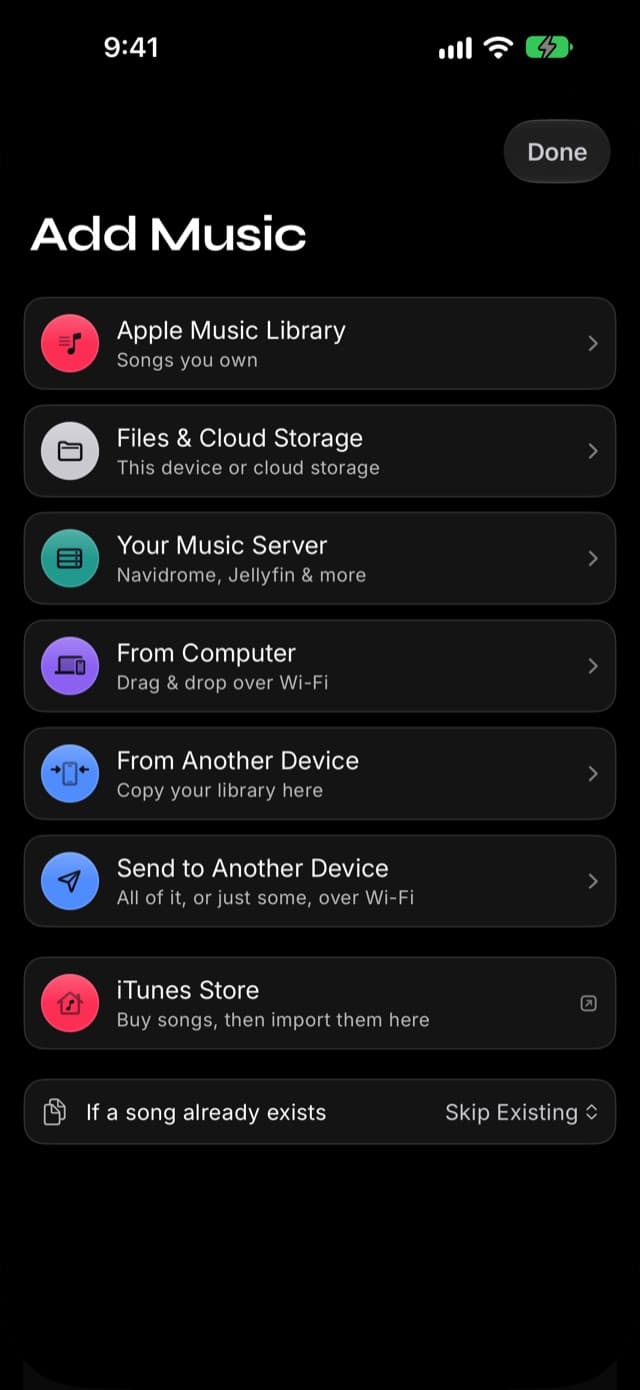
- "Couldn't Play Song — it can't be found" means the song is still listed in your library but its audio file is gone. Re-import it from Add Music.
- Settings → Library Management → Clean Up Missing Files removes the songs whose audio has vanished. It never deletes audio.
- Apple Music subscription downloads cannot be imported as personal files into Prismatic Music. Use music files without copy protection.
- Takes about
- 10 minutes
- You'll need
- An iPhone or iPad with Prismatic Music
On this page
"Offline" is one of those words that only gets tested at the worst possible moment — seat 24B, doors closed, four hours of nothing ahead. This guide is about finding out before then, and about reading the specific thing your phone is telling you rather than guessing.
Almost every case of music that won't play offline is one of five problems, and they have different fixes. The trick is telling them apart.
First: test it properly
Do this on the ground, not in the air.
- Open Control Center and turn on Airplane Mode.
- Play several albums from different parts of your library — old imports and recent ones, big albums and single songs.
- Write down which ones fail, and what the app said when they did.
That pattern is the whole diagnosis:
- Everything fails → the music was never imported. Case 1.
- Some songs fail with "can't be found" → the files are missing. Case 2.
- Some songs were never in the library at all → the import dropped them. Case 3.
- The library came up empty or reset → Case 4.
- Only your Apple Music songs fail → Case 5, and it isn't fixable.
Airplane Mode is the only honest test. Wi-Fi off isn't enough — cellular picks up the slack, and you'll conclude something works offline when it's quietly streaming over LTE. Turn on Airplane Mode, and turn Wi-Fi back off if iOS re-enables it.
Case 1: the music was never imported
By far the most common cause, and the least obvious, because from a distance "the songs are in an app on my phone" looks the same either way.
A file in iCloud Drive, Dropbox, or Google Drive may only be a placeholder — the real file lives in the cloud and gets fetched on demand. It plays perfectly at home. It plays not at all at 30,000 feet.
Streaming services are the same story with different branding: a Spotify or Apple Music "download" is available inside that app under its own rules, and nowhere else.
The fix is to import the music, which copies it onto the device:
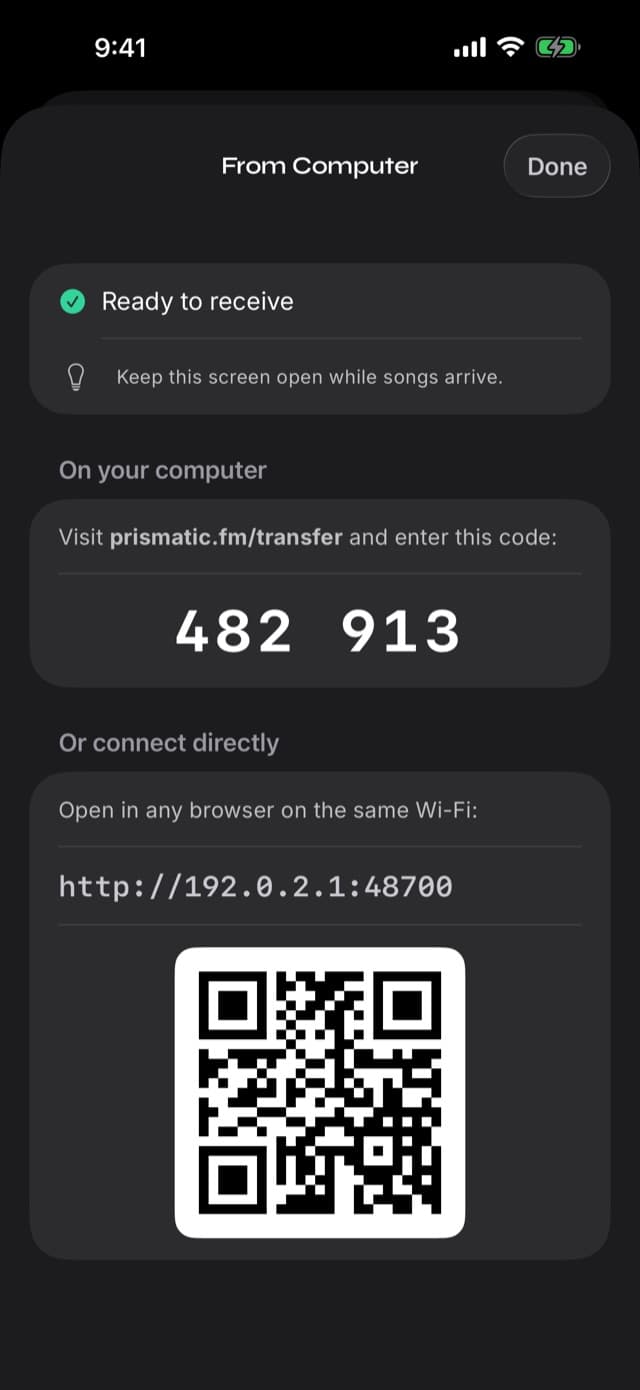
- From a computer, over Wi-Fi: transfer music without iTunes
- From the Files app or a cloud drive: play music from the Files app
- From a USB drive: play music from a USB flash drive
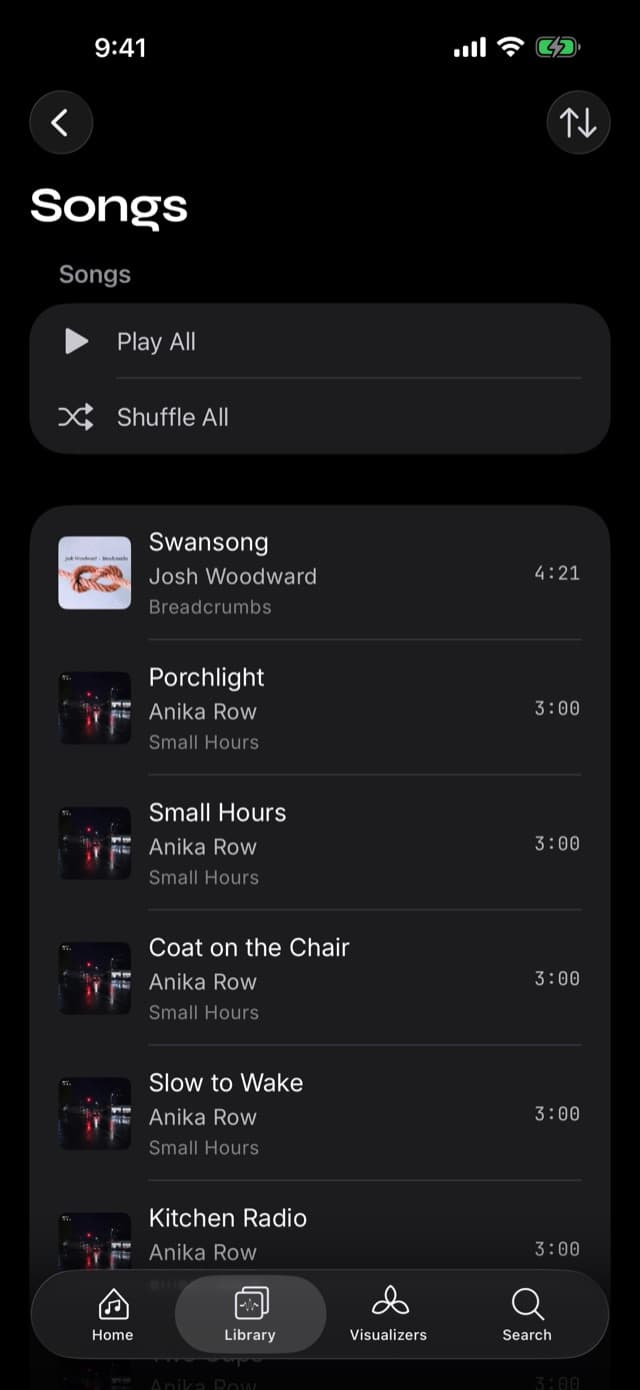
How to confirm: open the Library tab. If a song isn't listed there, it isn't in the library, and nothing about the network will change that.
Case 2: "Couldn't Play Song"
If you see this alert —
Couldn't Play Song "Song title" can't be found — it may have been moved or deleted. Add it again from Add Music on Home.
— the song is still listed in your library, but the audio file behind it is gone. The listing points at something that isn't there anymore.
The alert offers Remove from Library, which deletes the dead listing (not any audio), and OK, which leaves it alone. Playback skips past the song either way rather than stopping the queue; if every remaining song in the queue is missing, you'll get the plural version instead.
What causes it:
- A device restore that brought your library back without the audio files.
- An interrupted rebuild after a library reset.
- App storage cleared by something outside the app.
- A very old import whose file was later removed by hand.
The fix is to import the affected music again from Add Music on the Home tab, then use Clean Up Missing Files (below) to clear out anything still pointing at a file that isn't there.
Case 3: songs that failed to import
Sometimes the music isn't missing — it never arrived. Imports report per-song failures rather than dying silently, and each message maps to a specific fix.
| What the app says | Cause | Fix |
|---|---|---|
| Download it in Files (or Finder), then try again | An undownloaded cloud placeholder | Download it in the Files app, then re-import |
| This song is copy-protected and can't be imported | An Apple Music streaming download, or another copy-protected file | Not fixable — see Case 5 |
| Make sure the file is a supported audio format | Not a format we play (.wma, .ape, and friends) | Convert on a computer first |
| Free up storage, then try again | The device ran out of space | Free space, then re-import |
| Choose the file again in Files, then try again | The permission to read that location expired | Re-select it in the picker |
| Download the song in the Music app, then try again | The song is in your Apple Music library but not downloaded | Download it in Apple's Music app first |
Supported formats, for reference: MP3, M4A, AAC, FLAC, WAV, AIFF, CAF, MP4, OGG, and Opus — imported as they are, with no conversion step. See formats and lossless for the detail.
A large import that seems to have skipped things is worth re-running: the duplicates setting defaults to Skip Existing, so a second pass only adds what's genuinely missing and costs nothing but time.
Case 4: "Couldn't Open Your Library"
Rarer, and more alarming than it needs to be. If your library itself can't be opened, Prismatic starts a fresh one rather than refusing to launch — and then tells you, with the count of what it found still sitting on the device:
Couldn't Open Your Library Your library was damaged, so Prismatic started a new one. Your 1,284 songs are still on this device and can be added back.
Tap Rebuild Library and it scans the audio still on the device and puts it back into a working library. Not Now defers — and deliberately keeps the offer, so it returns next launch rather than stranding your files.
You may instead see a quieter version:
Add Missing Songs? 312 songs from an earlier library are still on this device. Prismatic can add them back.
Same idea, smaller scope: some music is still on the device but isn't in your current library. Add Songs brings it back.
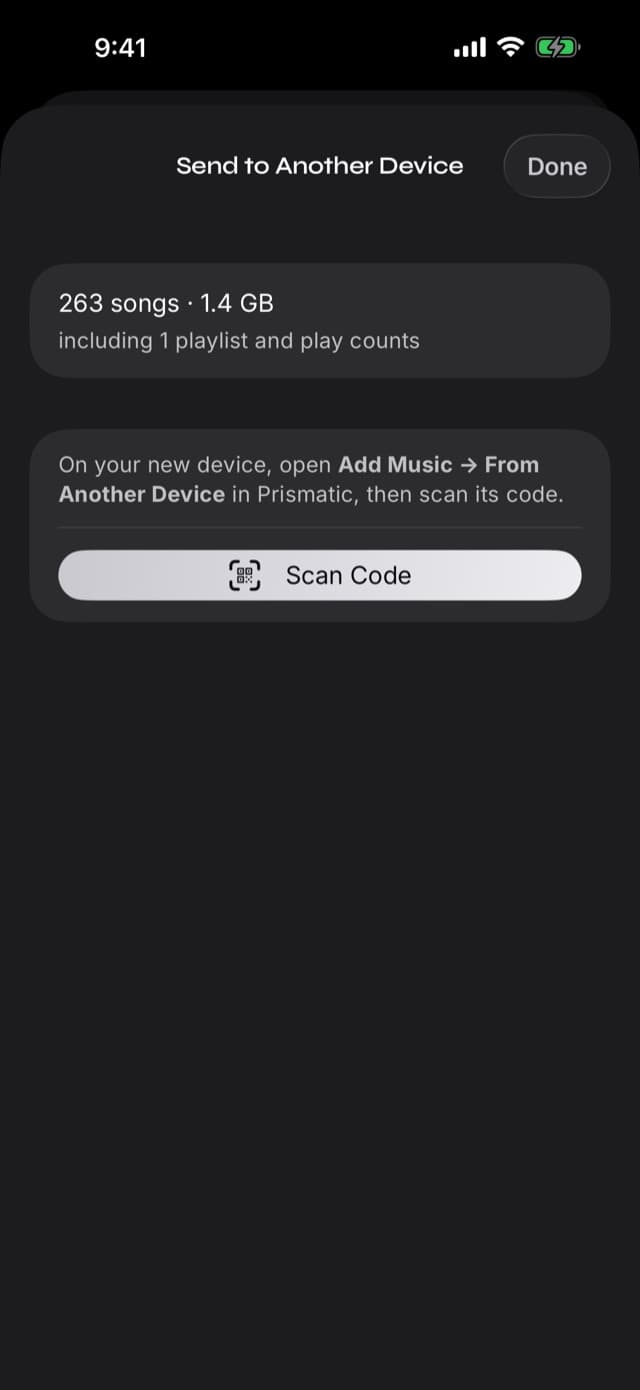
Two notes on this. A rebuild recovers songs; it can't recover playlists or play counts, which were part of the library that was lost. And if you're moving between devices, a device-to-device transfer carries playlists and play counts, which no rebuild-from-files can.
Case 5: Apple Music downloads
A song downloaded inside an Apple Music subscription can play offline in that service without becoming a file you can import into Prismatic Music. “Downloaded,” “purchased,” and “not copy-protected” mean different things. A lossless quality setting does not change those access restrictions.
Current iTunes Store song purchases are supplied without copy protection as iTunes Plus files. Some older purchases remain protected, so “I bought it years ago” is not enough to identify an importable file. Apple explains the difference.
Check one song before retrying your whole library:
- Find the original purchase or download source. Was it a file download or a subscription's offline button?
- Locate the actual audio file, and download it fully if Files shows a cloud placeholder.
- Check its format and protection status where available, then try importing a known-good, unprotected file through Files.
Renaming an extension does not remove copy protection. If the file is unprotected but still fails, return to Case 3 for format, storage, and file-access errors. Keeping a file also does not grant permission to redistribute the recording.
Some third-party apps can offer Apple Music playback through Apple's MusicKit. That is service playback, not exporting subscription downloads into a personal-file library. Prismatic Music's import flow needs compatible files without copy protection. See the offline music player, explained for the broader category distinction.
Clean Up Missing Files
Once you've fixed the underlying cause, there may still be dead listings left in the library — songs that show up in lists and fail when tapped.
Open Settings → Library Management → Clean Up Missing Files. It scans your library, lists every song whose audio file can't be found, and offers to remove them. The app is explicit about what it does:
These songs' audio files can't be found — deleted, moved, or on a disconnected drive. Removing them just tidies your library; no audio files are deleted.
Do it after re-importing, not before. If you clean up first and then import, you get the same songs back, freshly listed — no harm done, just a longer route.
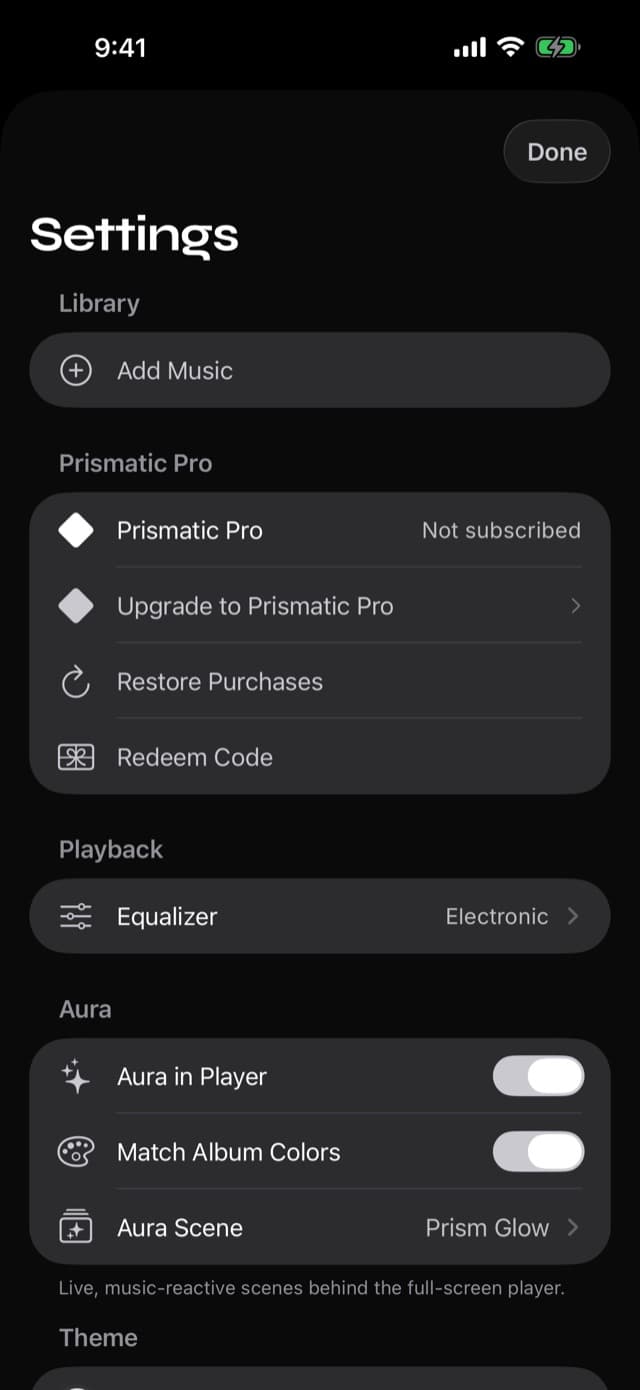
While you're here: Find Missing Artwork fills in covers for albums that imported without them, and Clear Library permanently deletes everything — songs, playlists, artwork, and imported audio files. That last one is not a troubleshooting step. Reach for it only when you intend to start over.
A checklist before you fly
Ten minutes the night before beats four hours of silence.
- Import everything you want — and do it on Wi-Fi, not on the way to the airport.
- Turn on Airplane Mode and play a song from three or four different albums, including the newest imports.
- Check the newest import specifically. Recent additions are where failures cluster, because they haven't been tested by ordinary listening yet.
- Run Clean Up Missing Files if anything failed with "can't be found".
- Check your storage. An import that ran out of space mid-way leaves a partially imported album, which looks fine in a list.
- Queue up what you'll actually listen to while you still have signal, so you're not browsing a library in the dark at row 24.
Do that once and the flight version of "offline" and the home version finally mean the same thing.
Common questions
- Why does my music stop playing in Airplane Mode?
- Because it isn't on the device. Anything that stops when the network goes away was being fetched over it — a cloud-drive placeholder, or a streaming service. Music imported into Prismatic Music's library is copied onto the device and plays with the radios off.
- What does "Couldn't Play Song — it can't be found" mean?
- The song is still listed in your library, but its audio file is no longer there. That happens if the library was restored without its files, if a rebuild was interrupted, or if the storage was cleared. Re-import the song from Add Music; the alert also offers to remove the dead listing.
- Does Clean Up Missing Files delete my music?
- No. It removes the songs whose audio file can't be found — listings that would only ever fail to play. It never deletes an audio file, and it can't touch anything outside the app.
- Why did some songs fail to import?
- The most common reasons are cloud placeholders that hadn't been downloaded, copy-protected files, unsupported formats such as WMA or APE, and running out of storage mid-import. The app names the reason per song rather than failing silently.
- Can I play my Apple Music downloads offline in Prismatic Music?
- No. Apple Music subscription downloads cannot be imported as personal files into Prismatic Music. Compatible files without copy protection, such as current iTunes Plus purchases or authorized music-store downloads, can be imported. Some older purchases remain copy-protected; check the particular file.
- I restored my iPhone from a backup and the library is empty. What now?
- If the audio files survived the restore but your library didn't, Prismatic offers to rebuild: it scans the files that are still on the device and adds them back. If neither survived, re-import from your original source — and next time, consider a device-to-device transfer instead of relying on a backup.
- Does the visualizer pausing mean my music will stop too?
- No. Auto-Pause Visuals pauses the visuals in Low Power Mode or when the device is hot; audio playback is never what yields.