Listen Together: SharePlay Comes to Prismatic FM
Share radio stations with friends and family on FaceTime. Everyone hears the same broadcast in perfect sync.

What if you could listen to the same radio station as someone thousands of miles away—and hear the exact same broadcast, at the exact same moment?
With SharePlay support, now you can.
How It Works
When you're on a FaceTime call, a "Start SharePlay" button appears in the Prismatic FM player. Tap it, and everyone on the call tunes into the same station simultaneously.
It's that simple.
Perfectly Synchronized
This isn't just sharing a link. SharePlay keeps everyone's stream in perfect sync. When someone plays, pauses, or switches stations, everyone's playback updates instantly.
You'll see a live participant count showing who's listening along. It's like being in the same room—even when you're continents apart.
Perfect for...
Long-distance family calls, virtual hangouts with friends, introducing someone to a station from the other side of the world, or just having background music during a chat.
Works Across Your Devices
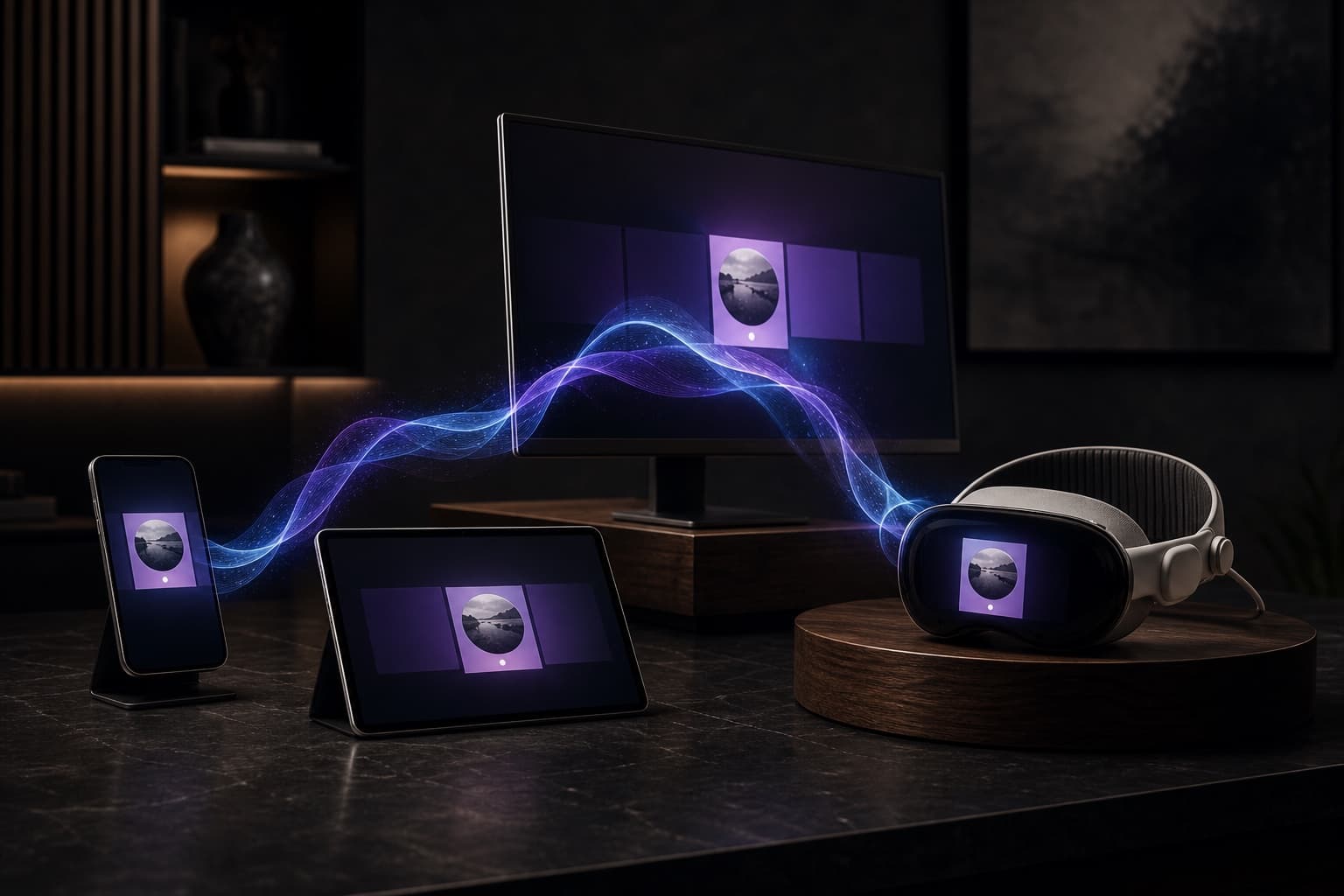
SharePlay works on iPhone, Mac, and Vision Pro. Whether you're on your phone, at your desk, or immersed in spatial computing, you can start or join a SharePlay session.
Radio Is Better Together
Music has always been social. Now your radio app is too. Next time you're on FaceTime, tap that SharePlay button and bring someone into your listening world.