Best Radio Apps for CarPlay and Android Auto (One Free App for Both)
Most radio apps support only CarPlay or Android Auto. See the best free radio app for both, with 50,000+ stations and how to set it up in your car.
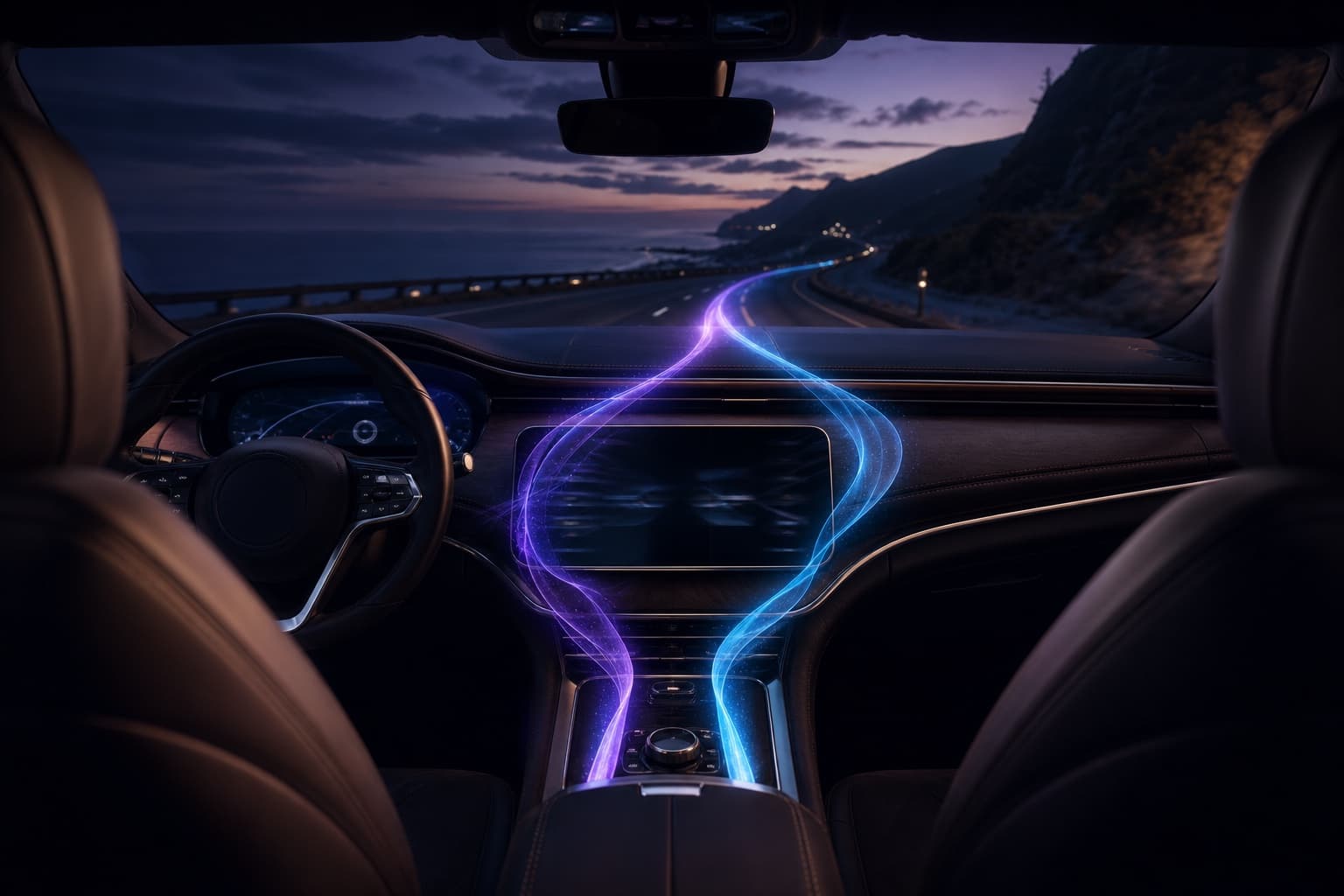
The best radio app for CarPlay and Android Auto is Prismatic FM — a free internet radio app that runs on either car system from one download. It carries 50,000+ live stations across 235 countries, and every one of them is free in the car.
Get Prismatic FM free
Full CarPlay and Android Auto support. No account needed to listen.

The short answer: one free app that works on both
Most radio apps support CarPlay or Android Auto. In a household with an iPhone and an Android phone, that usually means two apps and two sets of favorites.
Prismatic FM supports both, with an interface built for the car screen: large touch targets, favorites up front, steering-wheel control. It's the same catalog you browse on your phone, so you can explore stations at home and find them again on the drive.
Three things that matter once you're moving:
- It's free. Every station is on the free tier. None are paywalled.
- No audio ads from us, ever. The free tier shows visual ads on the phone screen. We never insert audio into your stream. (A station's own broadcast may still carry that station's commercials — that's the broadcaster, not us.)
- Free and Pro sound the same. Pro removes the visual ads, unlocks all visualizers, and lifts the cap on saved favorites. It never changes audio quality.
Set favorites before you drive
Tap the heart on the stations you reach for most while you're at home. Sign in with Apple and they sync across your Apple devices, so your go-to stations are one tap away the moment CarPlay loads. On Android, favorites stay on the device.
The best radio app for CarPlay and Android Auto, compared
Two questions decide it: does the app support both car systems, and is it actually free?
| App | CarPlay | Android Auto | Free tier | Audio ads from the app |
|---|---|---|---|---|
| Prismatic FM | Yes | Yes | Yes — all stations | None, ever |
| TuneIn | Yes | Yes | Yes (with ads; some live sports gated behind TuneIn Premium, as of 2026) | Varies by plan |
| Apple Music | Yes | Yes | No (subscription) | No |
| YouTube Music | Yes | Yes | Yes (with ads, as of 2026) | Yes (on free tier) |
| A station's own app | Varies | Varies | Usually | Varies |
Competitor details reflect their published plans as of 2026 and can change. What stays constant: Prismatic FM is free, works on both platforms, and inserts no audio ads of its own — a rare combination for a radio app.
How to set up internet radio in CarPlay
Setup takes under a minute on any iPhone and CarPlay-compatible head unit.
- Install Prismatic FM from the App Store and open it once on your iPhone.
- Connect to the car — a Lightning or USB-C cable, or wirelessly if your car supports wireless CarPlay.
- Tap Prismatic FM on the CarPlay home screen. You'll get a car-optimized layout with your favorites up front.
- Pick a station and go. Play, pause, and switch stations from the car screen or your steering wheel.
No account required to listen. For a closer look at the in-car experience and why we built it, see our CarPlay radio announcement.
How to set up internet radio in Android Auto
Same flow on the Android side, with any Android phone and a compatible head unit.
- Install Prismatic FM from Google Play and open it once on your phone.
- Connect to the car — a USB cable, or wirelessly if your car and phone support wireless Android Auto.
- Tap Prismatic FM in the Android Auto launcher.
- Choose a station and control playback from the car screen or your steering wheel.
On Android, favorites live on the device. Everything else — the catalog, the car interface — matches CarPlay.
Data usage while driving
Internet radio streams over your data connection. How much you use depends on each station's bitrate, but these numbers are a useful ballpark.
| Listening time | Approx. data (typical stream) |
|---|---|
| 30-minute commute | ~30 MB |
| 1 hour | ~60 MB |
| 2-hour road trip | ~120 MB |
| 20 hours/month | ~1.2 GB |
High-bitrate stations use more, low-bitrate stations less. On a tight data plan, favor lower-bitrate stations and lean on Wi-Fi when parked. There's no offline mode in the radio app — streaming always needs a live connection.
Finding stations worth driving to
A car app lives or dies on how fast you land on something good. So do the digging at home and let your favorites carry over to the dash.
Start with genre. Long highway stretches suit jazz or classical radio; a morning commute fits news radio. Want to be somewhere else for an hour? Browse by country instead — pull up UK radio stations or stations in Japan and pin a couple before you leave.
One caveat: most stations stream worldwide, but a minority are geo-restricted by the broadcaster — some BBC streams only play inside the UK, for example. We don't work around those limits. Where a broadcaster restricts its stream, the restriction applies wherever you listen.
Song identification on the drive
When a track catches your ear, you can identify it inside the app — no switching apps, no fumbling with your phone at a light.
It works on music and depends on the track being in the catalog it checks against, so it won't name talk or news segments and can miss very obscure or hyper-local tracks. More detail in our guide on how to identify a song on the radio.
What about cars without CarPlay or Android Auto?
Plenty of cars have neither, and you can still stream radio while driving.
- Bluetooth. Pair your phone to the car stereo and play from the app — audio routes through your speakers automatically.
- Aux cable. If your car has a 3.5mm input, a cable from your phone works fine.
- A portable speaker. Not ideal in a car, but it works in a pinch.
In every case the app runs on your phone and keeps playing with the screen locked. Browse the full station catalog or jump straight to US radio stations to find something for the road.
Why one app for both platforms matters
Cars outlast phones, and households mix platforms. One person upgrades to a new Android phone, another stays on iPhone, and the family car has both systems wired in. With a single-platform radio app, somebody loses.
The car is also only one screen. Prismatic FM is a native app on iPhone, iPad, Android phones and tablets, Mac, and Apple Vision Pro, so the station you started in the kitchen is waiting for you in the car. On Apple devices, signing in with Apple syncs favorites and listening history; on Android, favorites stay on the device you saved them on.
Free, both car platforms, 50,000+ stations, no audio ads from the app. You set it up once, and it shows up everywhere you already listen.
Ready for the drive?
Free on iPhone and Android, with full CarPlay and Android Auto support.
Quick answers
Frequently asked questions
- What radio app works with both CarPlay and Android Auto?
- Prismatic FM is a free internet radio app with full support for both CarPlay and Android Auto from a single app. Many radio apps support only one platform, so an iPhone-and-Android household often needs two different apps. With Prismatic FM, the same 50,000+ stations are available in either car system.
- What is the best free radio app for the car?
- Prismatic FM is a strong choice because it is genuinely free, works on both CarPlay and Android Auto, and gives you all 50,000+ live stations from 235 countries at no cost. The free tier shows visual ads only and never inserts audio ads of its own. Audio streaming quality is identical on the free and Pro tiers.
- Does internet radio in the car work without a data plan?
- No. Internet radio streams over a data connection, so you need mobile data (or a tethered hotspot) to stream while driving. There is no offline streaming in the radio app. If you want offline playback of your own files, that is a separate companion app called Prismatic Music.
- Which cars support CarPlay or Android Auto?
- Most cars sold in the last several years support CarPlay, Android Auto, or both, and many head units sold separately add support to older vehicles. Check your car's manual or infotainment settings for CarPlay and Android Auto. If your car has neither, you can still play Prismatic FM from your phone over Bluetooth or an aux cable.
- Is Prismatic FM free in the car, or do I need to pay?
- It is free in the car. You can stream every station on CarPlay and Android Auto without paying. Pro is optional at $19.99/year (about $1.67/month with a 7-day free trial), $3.99/month, or $1.99/week, and it removes the visual ads, unlocks all visualizers, and gives unlimited saved favorites. Pro never changes audio quality.